
PortuguêsGitHub

Professional portfolio · open source

Sign it your way.

Home, portfolio, blog, resume, sales proposals, admin panel and payments, already solved. You pick the look, write your content and publish on your own domain.

The CLI and the admin panel are in Brazilian Portuguese for now. Your public site ships in Portuguese and English, and AI can translate your content.

npx create-rubrica@latest meu-portfolio
Build mine
  • 13 layouts
  • 15 color schemes
  • light and dark in all of them
  • GPL-3.0
A fountain pen draws the r of Rubrica with a terracotta flourish on aged paper, next to a sprig of leaves.

Builder

Put yours together and see it running.

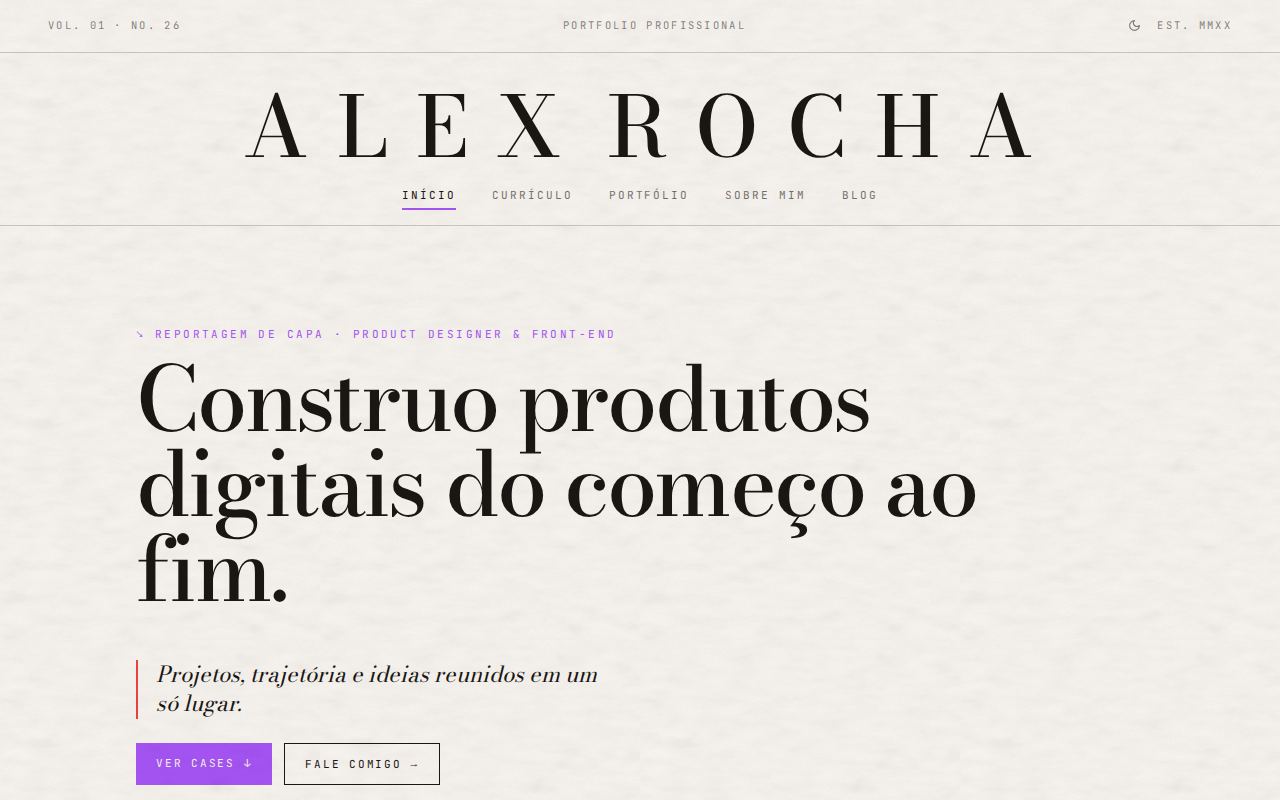
The preview is not a picture: it is Rubrica itself running with sample data, in each layout. Swap the pieces, browse the pages and check it on a phone. The sample content in the preview is in Portuguese.

Ready-made moods

A full combination of layout, scheme, mode, texture and fonts.

Layout

New

Originals

Color scheme

The palette: just the colors, in a light and a dark version.

Mode
Mode button
Texture

Answers for create-rubrica

Create mine with these choices

Create yours

Like it? Take it to your computer.

The look you built in the builder comes along. Fill in your details and paste the command in a terminal: it downloads Rubrica, installs everything, creates the database (with a browser login, free account) and sets up your panel. In the terminal, you only choose the panel password.

What the site will have

You can turn each part on and off later, in the panel.

Paste in the terminal

Creates the folder .

Requires Node.js 20 or newer.Nothing you type here leaves your browser: the command is built on this page.

Layouts

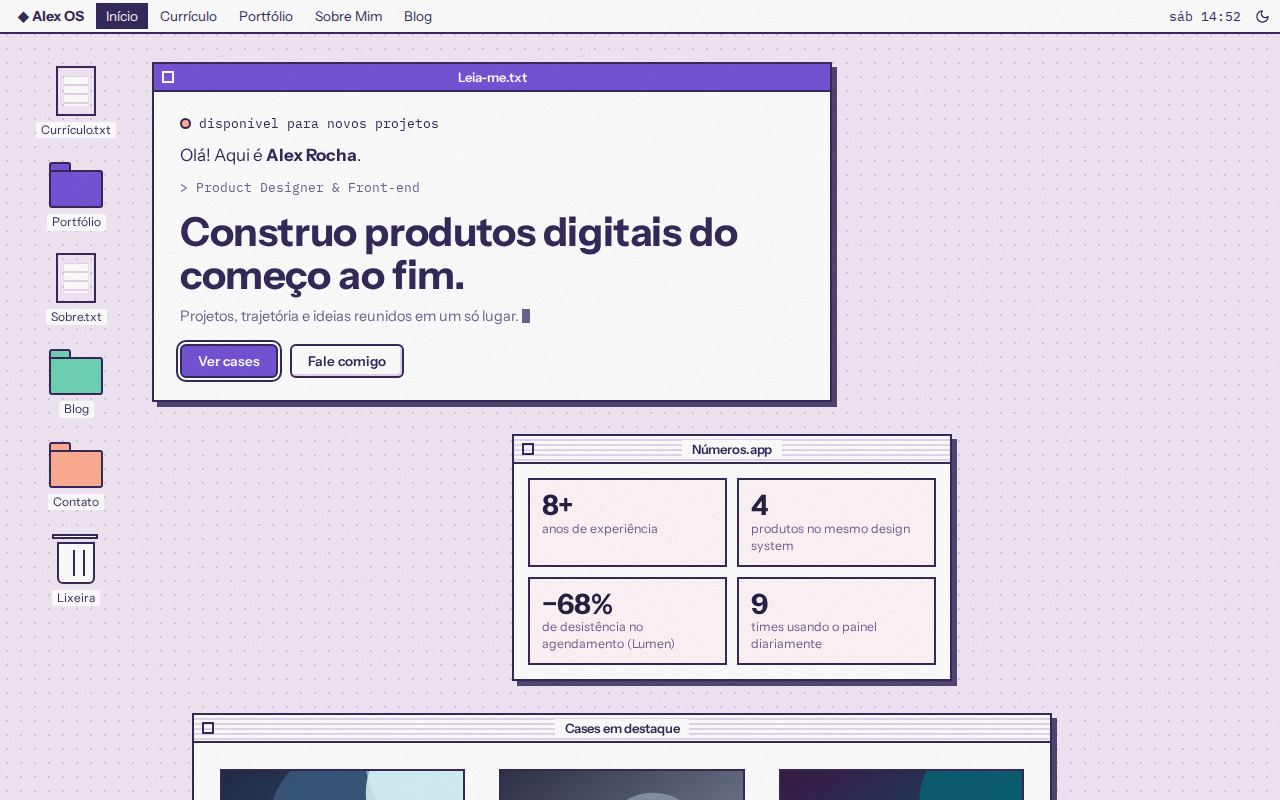
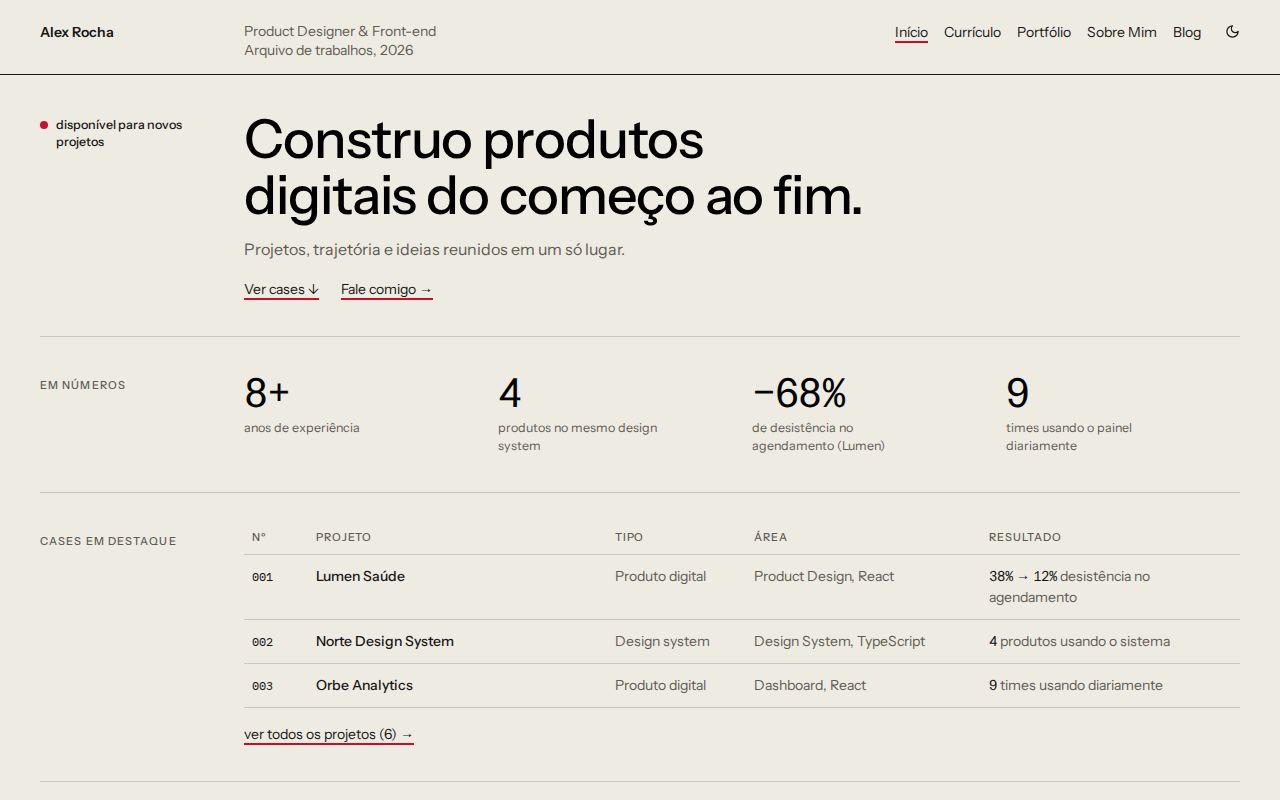
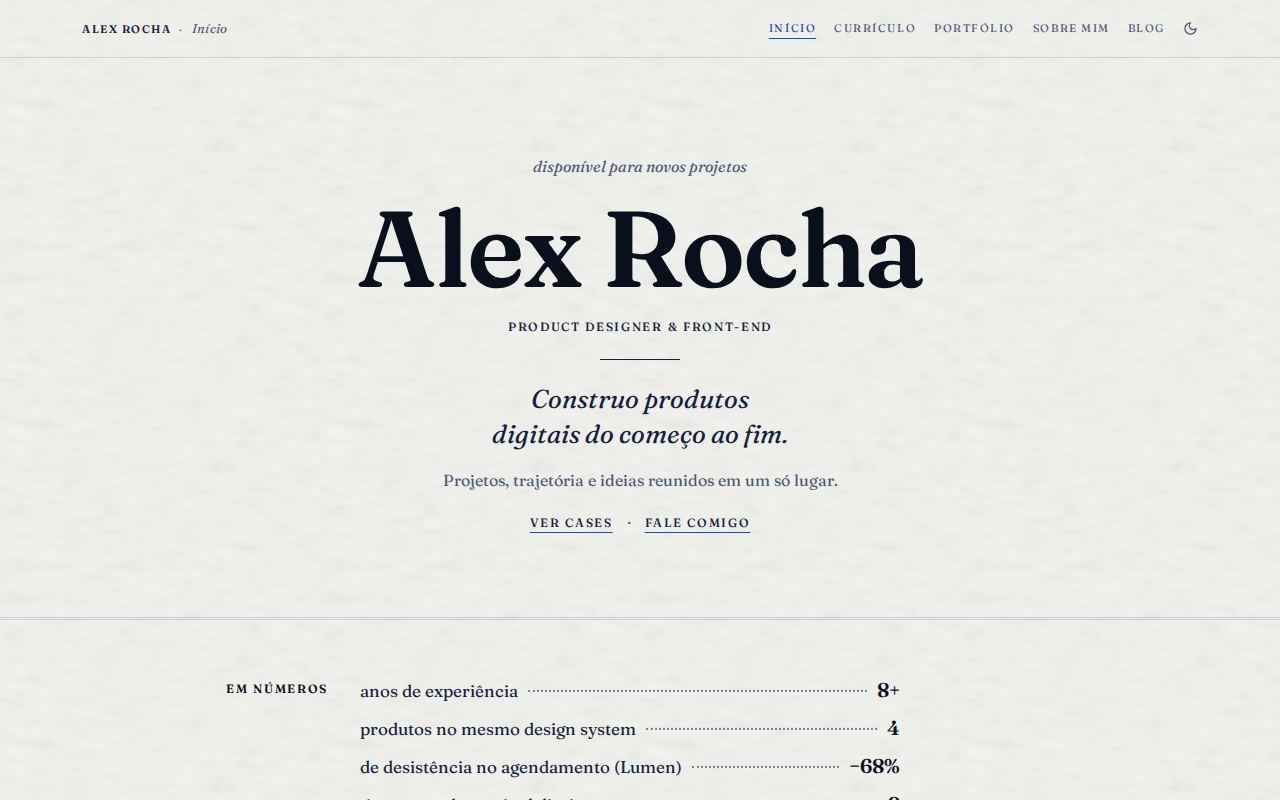
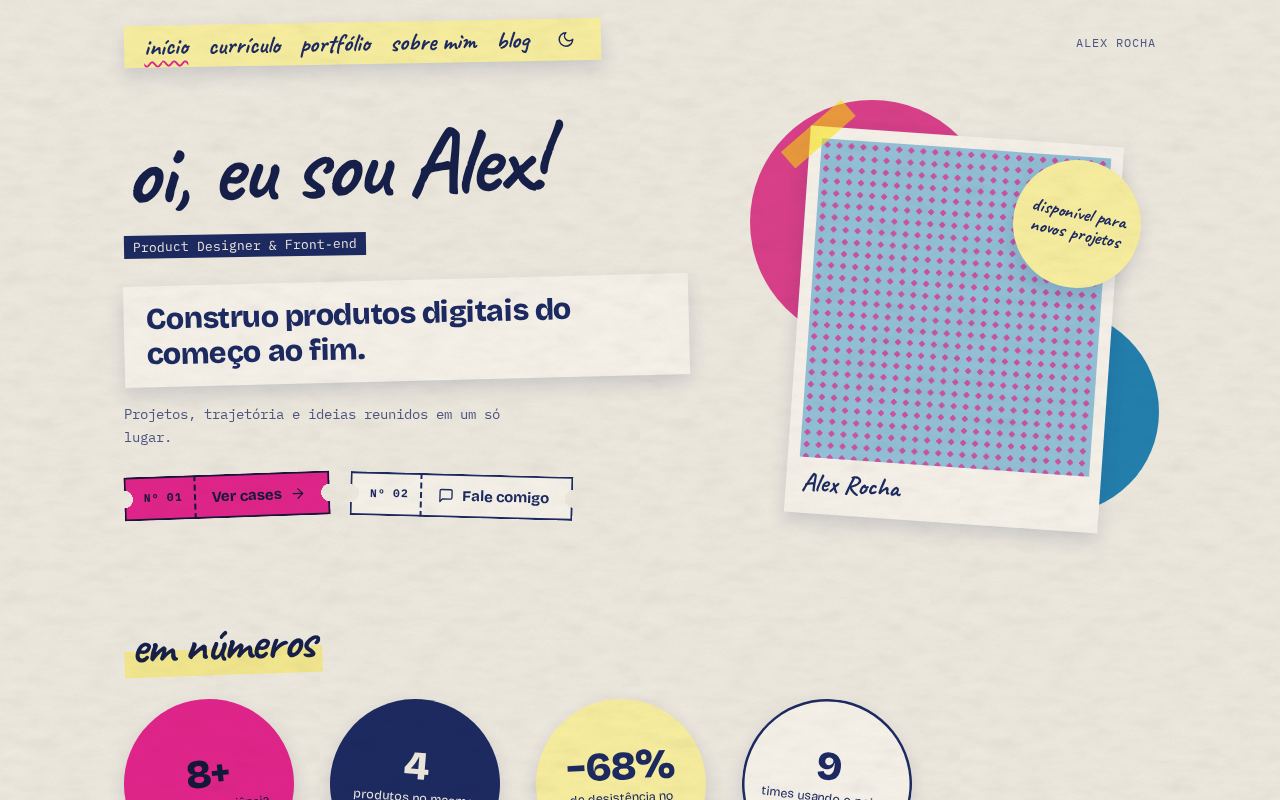
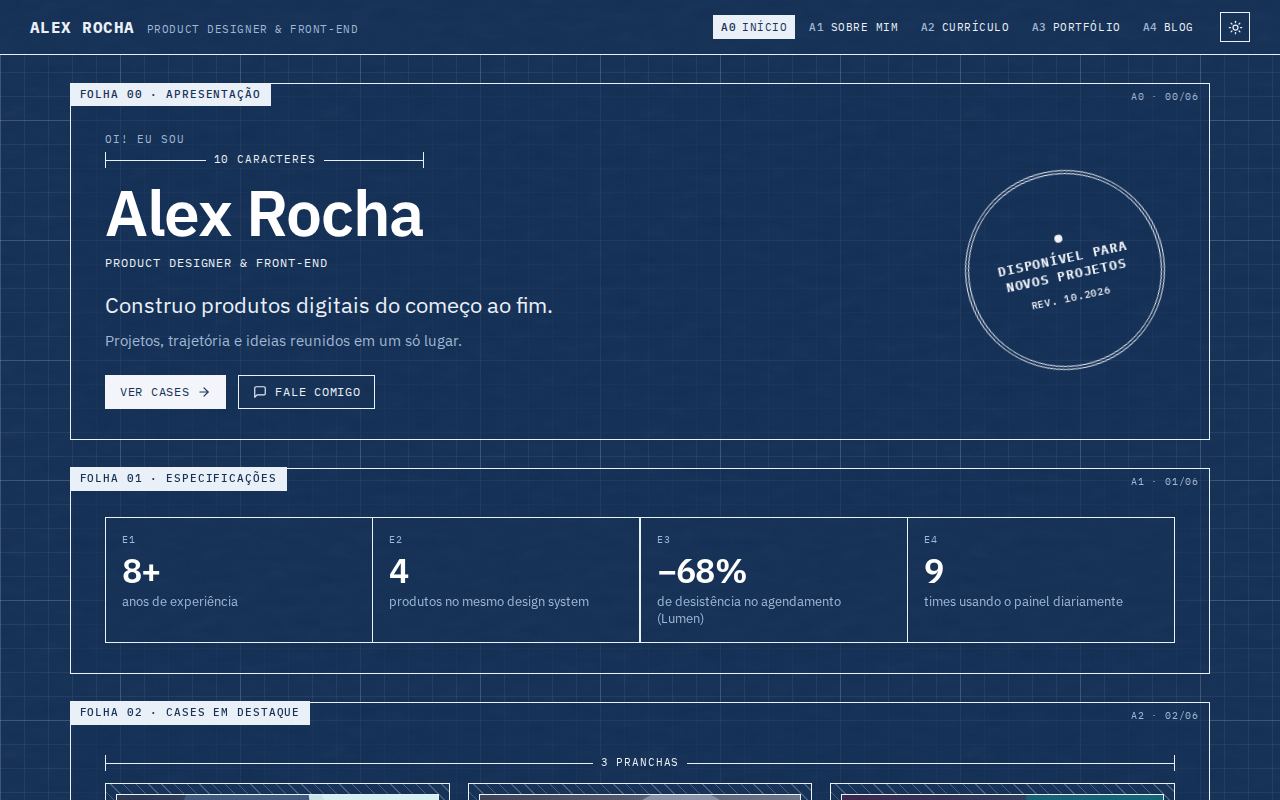
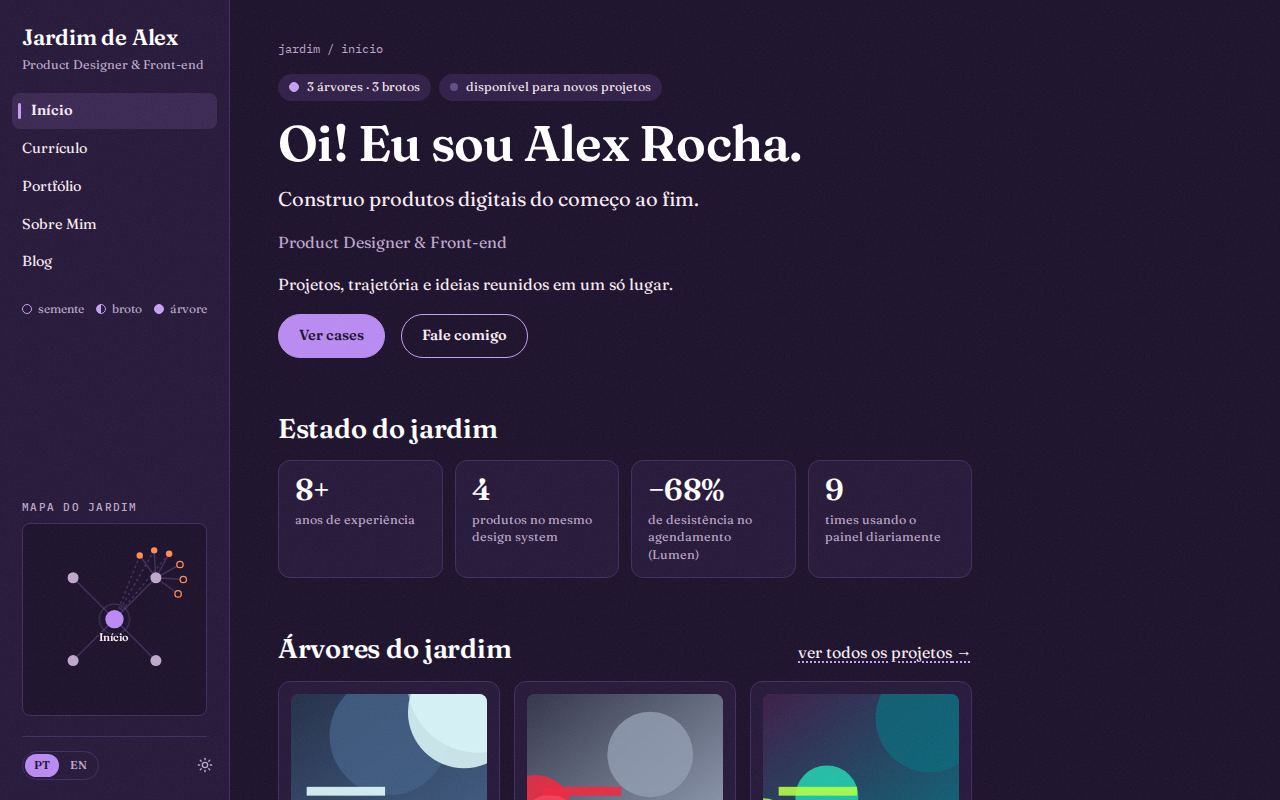
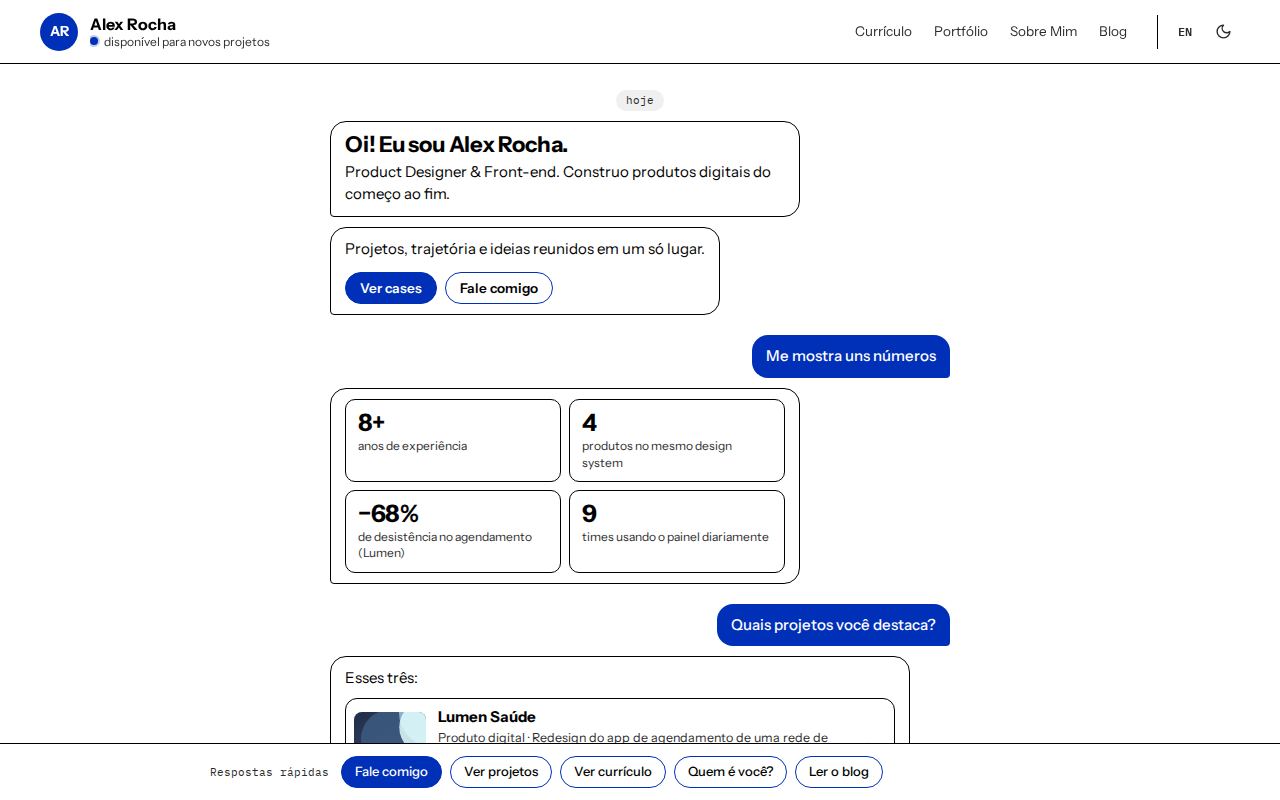
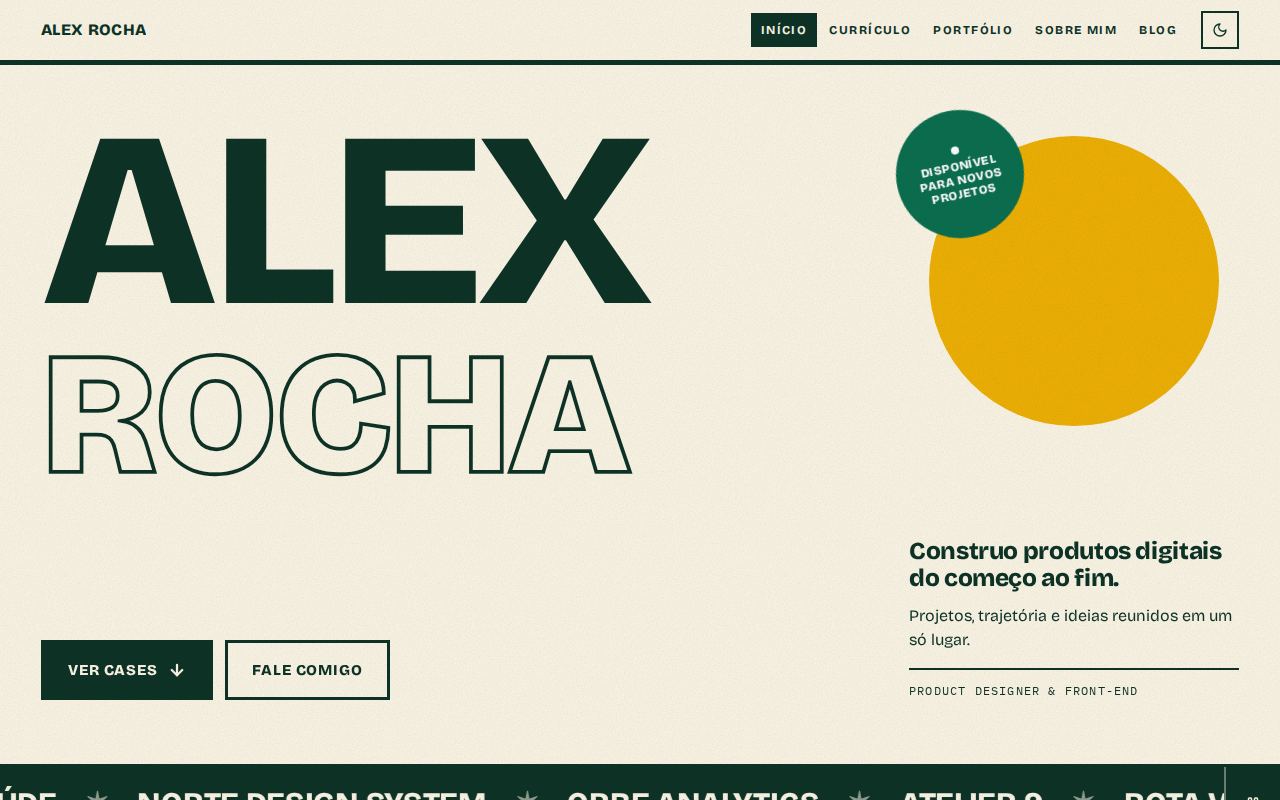
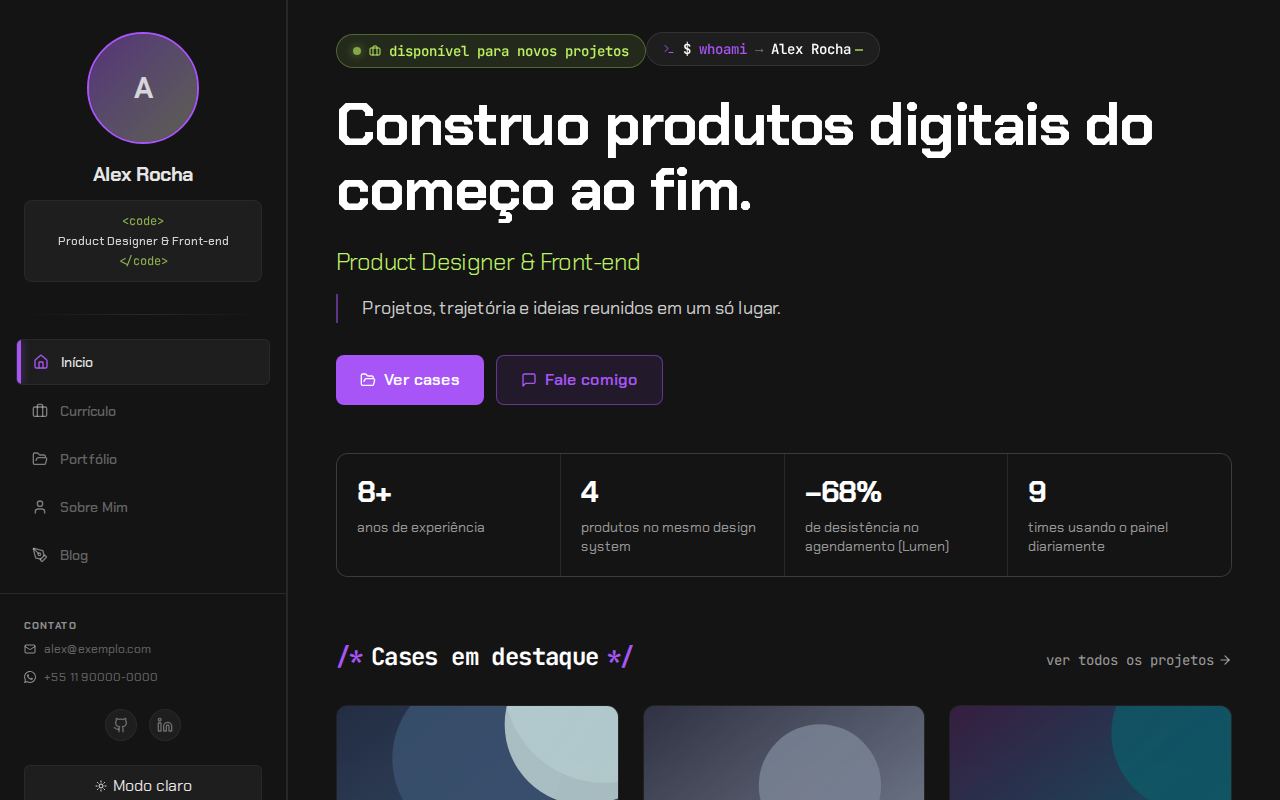
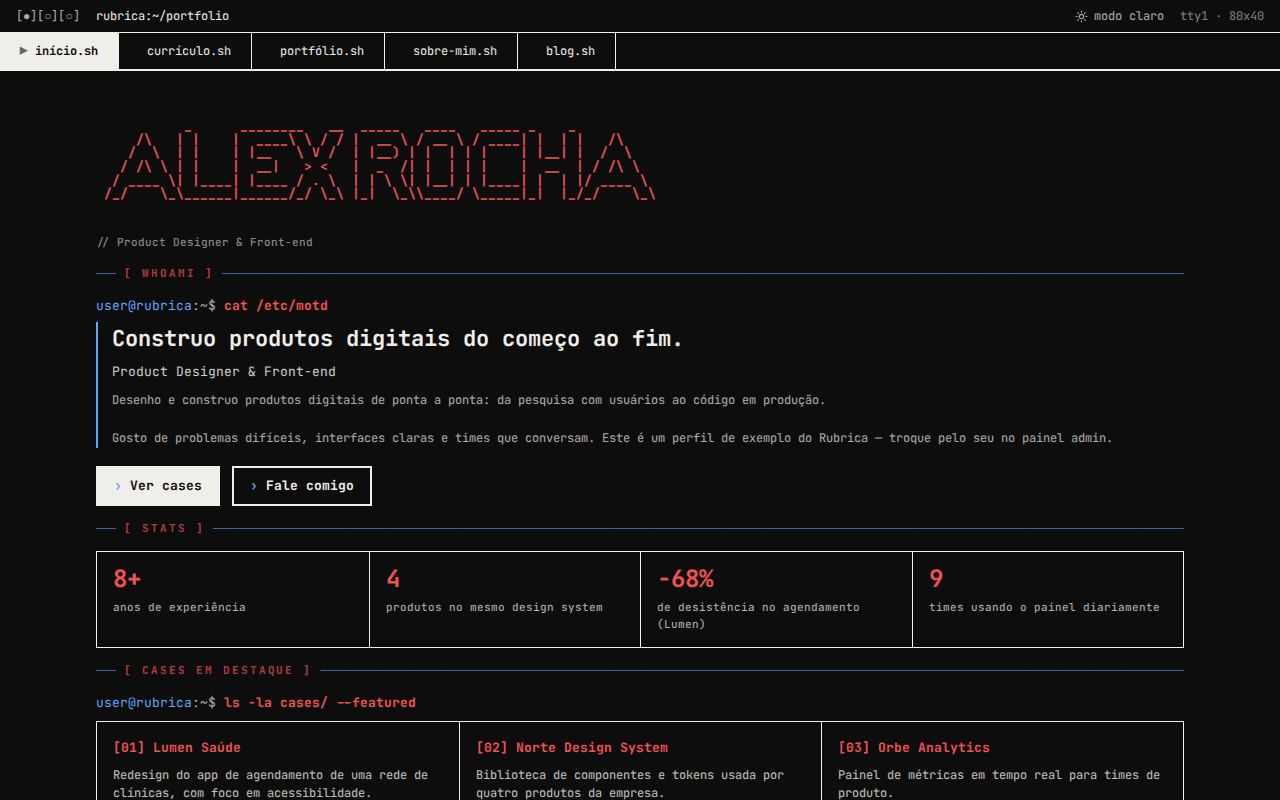
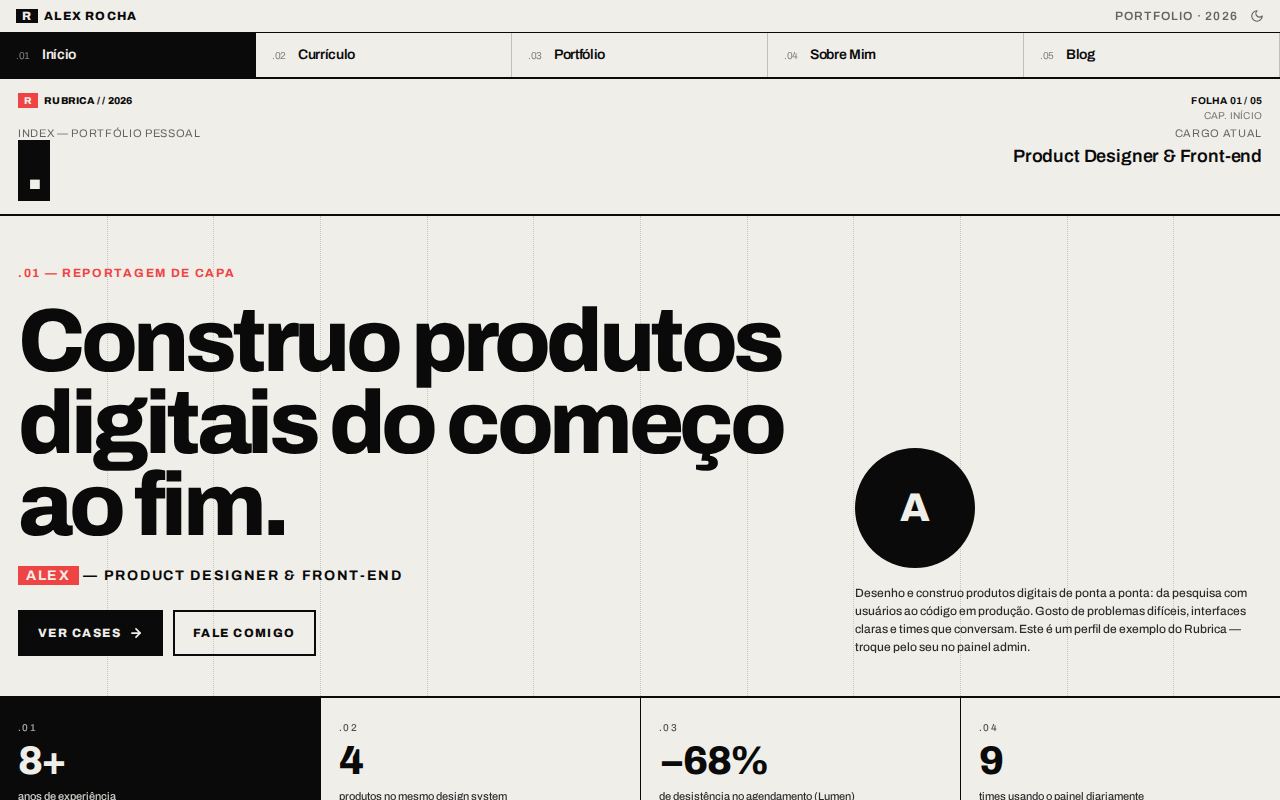
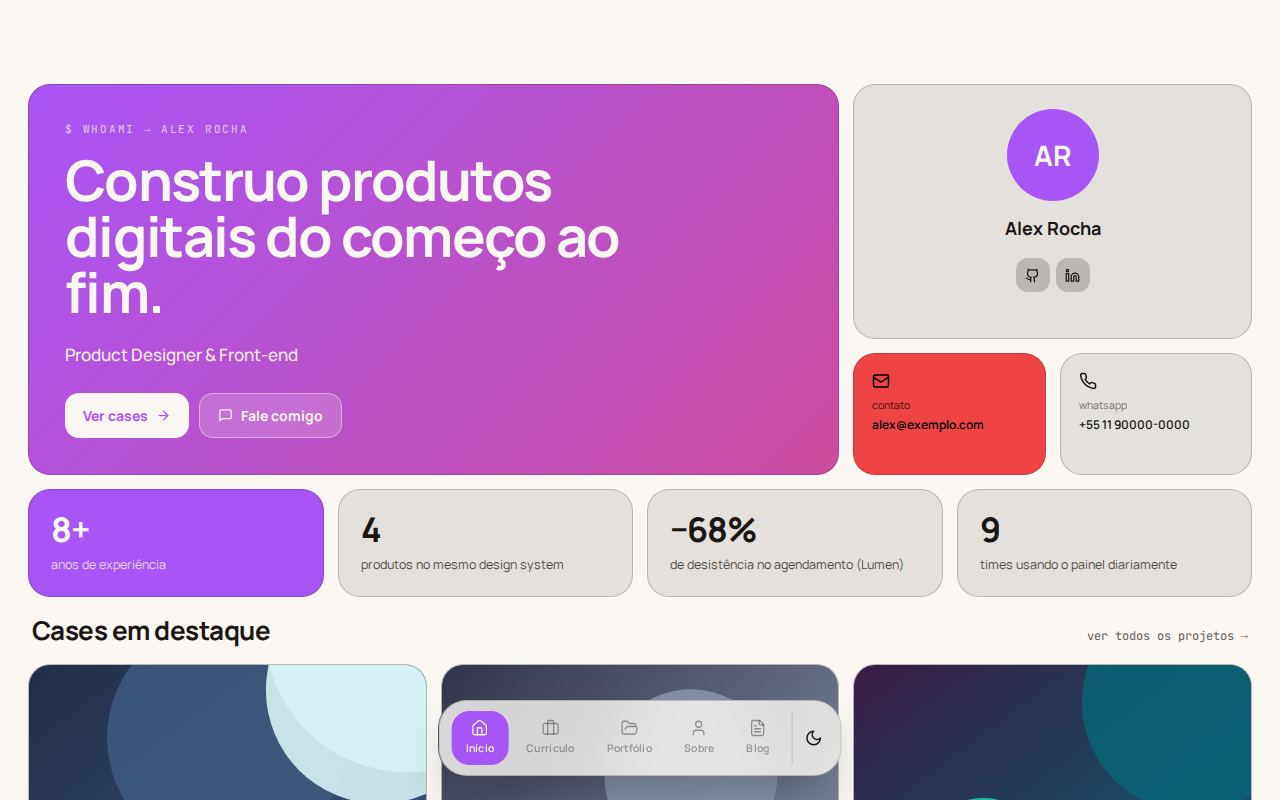
Thirteen ways to tell the same story.

The content is the same in all of them: the layout changes the shape. Each thumbnail is the real home page, in the look the CLI recommends for it. Click to open it in the builder.

Every page of every layout is described in the template guide.

Color schemes

Fifteen palettes, each in light and dark.

Any scheme works with any layout. The site can open in light, in dark or follow the visitor's system, and show a button to switch. Click a palette to apply it in the builder.

The 11 color roles of each scheme, the textures and the admin panel colors are in Color schemes.

What comes ready

The technical base is shared. The identity is yours.

Starting a portfolio from scratch is too much work, and site builders make everyone look the same. Rubrica sits in between: the whole system already solved, so you can take care of the content and the brand.

Home
Introduction, key numbers, case studies, services, testimonials and a contact call.
Portfolio
Projects filtered by category and case studies with metrics, decisions and lessons.
Blog
Rich text editor, tags, search and automatic RSS.
Resume
Structured, with an ATS-friendly PDF.
Proposals
Password protected, with online acceptance, handwritten signature and a PDF contract.
Admin panel
Everything editable in the interface, without touching code.
Plugins
Turn off whatever you don't want to show.
Payments
Checkout with PIX, boleto and cards in up to 12 installments via Asaas (Brazil). Optional.
AI
Automatic translation and a resume tailored to each job. Optional.

Get started

From the terminal to your own domain.

The CLI downloads the latest version and applies your choices. After that, everything is edited in the admin panel, and update brings new versions without erasing what you customized.

  1. Create the project

    npx create-rubrica@latest meu-portfolio

    Build it in the builder and copy the ready command from "Create yours", or run this one and answer the questions. It installs everything, connects the database and creates the admin panel.

  2. Open the site

    npm run dev

    In the project folder. The panel is at /login, with the email and password you chose.

  3. Publish

    npx create-rubrica publicar

    Puts the site online on Vercel (free account), with the production database and the admin of the published site. After that, update brings new versions without erasing what you customized.

Full step by step, environment variables and Vercel publishing in the README.

Matheus Mierzwa in profile, wearing a cap and glasses, on a dark background

Who made it

Matheus Mierzwa

AI Enablement Lead and Front-End Tech Lead

Matheus builds systems end to end, from architecture to production, and leads the teams that use them. At InBot, a conversational AI company, he founded and leads the AI Enablement area and is the front-end Tech Lead of a multi-product monorepo.

Rubrica was born the way he works: documents before code, tested by the people who will use it and easy to maintain after launch. A professional presence is not a luxury, it is the least your work deserves.